The HTML `` tag, short for "anchor," is used to create hyperlinks that allow users to navigate between pages or resources. Here's a detailed breakdown:
Syntax
html
Link Text or Content
Key Attributes
1. `href` (Required)
Specifies the destination URL. It can be:
Absolute path: `
Relative path: `/about.html` or `../images/photo.jpg`
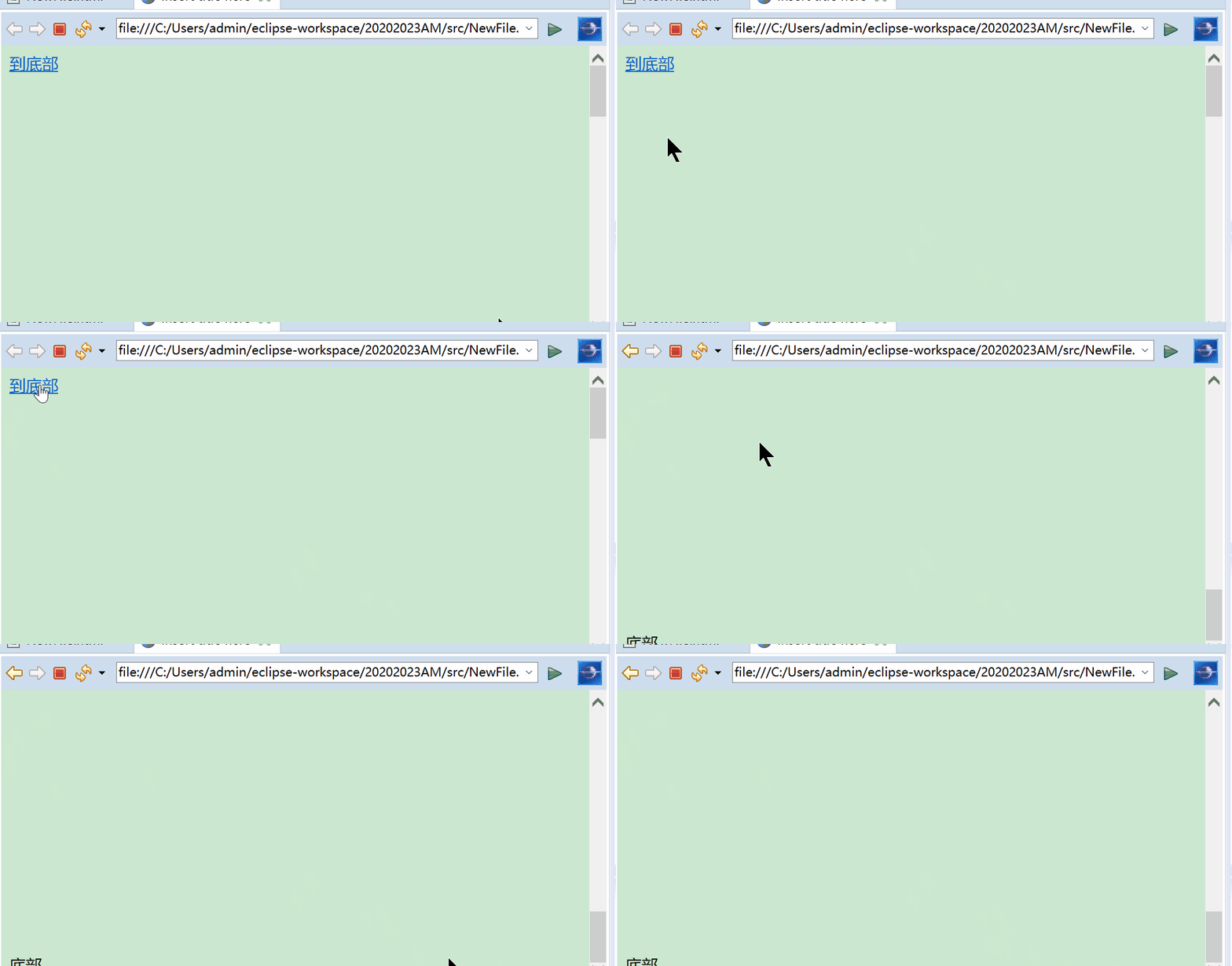
Page section: `section-id` (links to an element with `id="section-id"`)
Email: `mailto:`
Telephone: `tel:+`
2. `target`
Defines where to open the linked resource:
`_blank`: Opens in a new tab/window.
`_self`: Opens in the same frame (default).
`_parent`/`_top`: For frame navigation (rarely used now).
3. `rel`
Describes the relationship between the current and linked document:
`nofollow`: Tells search engines to ignore the link.
`noopener`: Prevents the new page from accessing the `window.opener` property (security best practice with `target="_blank"`).
4. `download`
Prompts the user to download the resource instead of navigating:
html
Download PDF
5. `title`
Provides additional tooltip text on hover:
html
Info
Examples
1. Basic Link
html
External Site
3. Email Link
html
Email Us
4. Link to Page Section
html
Jump to Section 2
Later in the page: >
Section 2
5. Download Link
html
Download Report
Best Practices
Accessibility: Use descriptive text (avoid "click here"). Ensure links are keyboard-navigable.
Security: Use `rel="noopener"` with `target="_blank"` to prevent security vulnerabilities.
SEO: Use meaningful anchor text instead of generic phrases.
Styling: Style links with CSS (e.g., `color`, `text-decoration`).
Advanced Usage
Wrap block-level elements (HTML5 allowed):
html
Blog Post Title
Summary...
Combine with JavaScript for dynamic behavior (use event listeners instead of `href="javascript:..."`).
Notes
If `href` is omitted, the `` tag becomes a placeholder (not a link).
Use `` or `javascript:void(0)` cautiously for placeholder links.